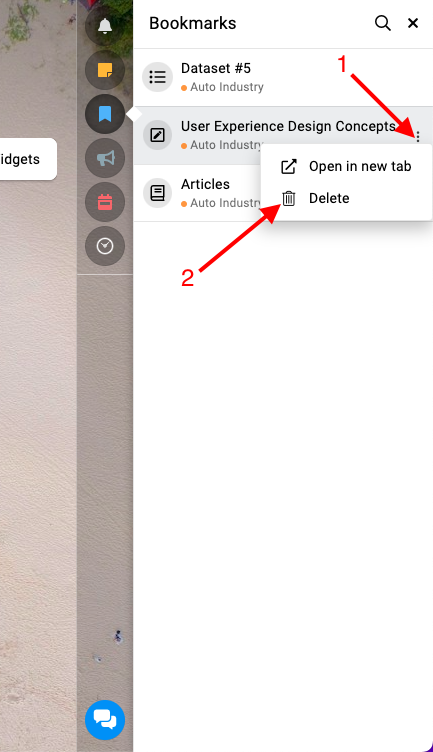

How to manage bookmarks
ProofHub’s Bookmark feature allows you to quickly access important task lists, notes, and other items by bookmarking them. This guide will walk you through how to access, add, and delete bookmarks efficiently.
Bookmarks
Section titled “Bookmarks”Go to the right-side menu and click on the “Bookmarks” option. This will display a list of all your bookmarked items for quick access.
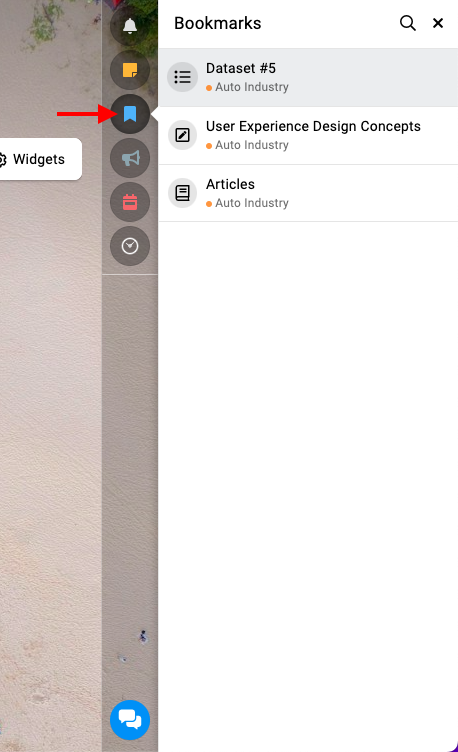
Adding a new bookmark
Section titled “Adding a new bookmark”Delete a bookmark
Section titled “Delete a bookmark”Open the “Bookmarks” section from the right-side menu to see all your bookmarked items. Click on the three dots and select “Delete“.